
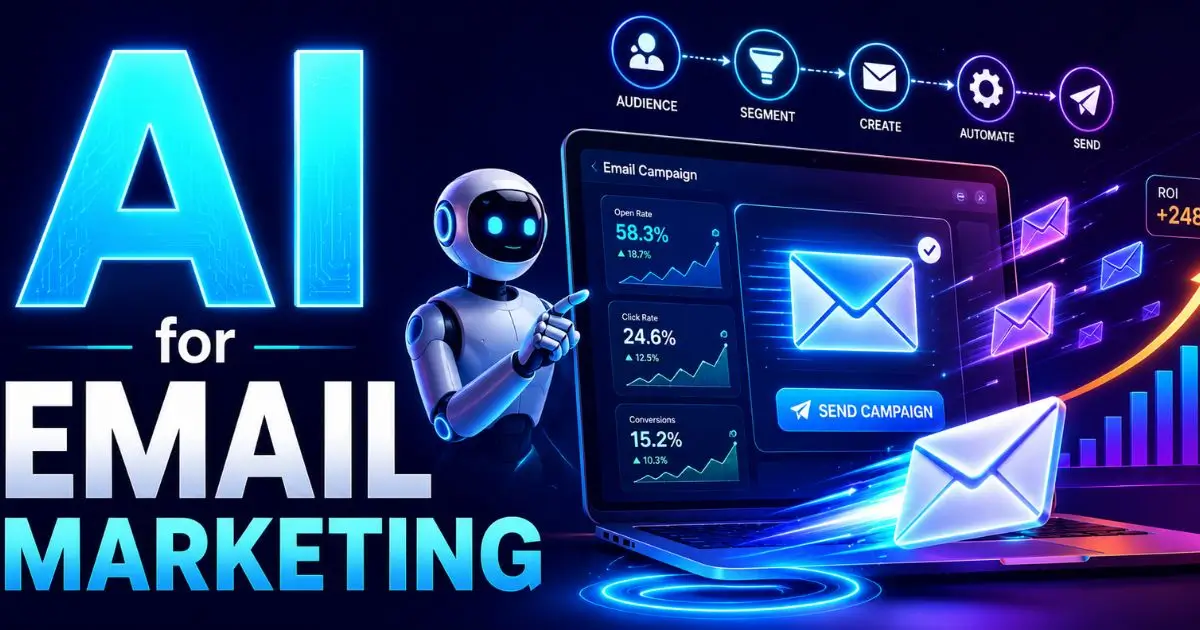
Email remains one of the highest-ROI marketing channels, and AI makes it faster to do well. From subject lines to segmentation to send times, AI can sharpen every stage, as long as you keep a human eye on brand voice and deliverability.
This guide covers how to use AI for email marketing end to end: where it helps, a step-by-step campaign workflow, the tools, and the mistakes that land you in spam.
Table of Contents
ToggleKey takeaways
- AI speeds drafting and testing. Subject lines, body copy, and variations in seconds.
- Segmentation gets smarter. AI helps group and personalize at scale.
- Send-time and optimization improve. Many platforms optimize timing automatically.
- Voice and accuracy stay human. Edit for brand and facts before sending.
- Protect deliverability. Avoid spammy AI phrasing and respect consent.
Where AI helps in email marketing
- Subject lines and preheaders: Generate and test dozens of variations.
- Body copy: Draft and adapt tone for different segments.
- Personalization: Tailor content based on behavior and attributes.
- Segmentation: Identify groups likely to engage or churn.
- Send-time optimization: Predict the best time to reach each contact.
- A/B testing: Generate variants and interpret results.
Step-by-step: an AI-assisted email campaign
- Define the goal and audience. Re-engagement, nurture, promotion, the goal shapes everything.
- Segment with data. Use AI to suggest segments based on behavior and lifecycle stage.
- Draft with AI. Generate subject lines, preheaders, and body copy variations (use a clear brief, see how to write effective AI prompts).
- Edit for brand and accuracy. Fix tone, claims, and any fabricated details.
- Personalize. Insert dynamic fields and segment-specific messaging.
- Test. A/B test subject lines and CTAs; let AI summarize what won.
- Optimize send time. Use your platform’s AI timing if available.
- Measure and iterate. Track opens, clicks, conversions, and unsubscribes.
AI email tools
| Capability | What to look for |
|---|---|
| Copy generation | Brand-voice training, variation testing |
| Subject-line testing | Predictive scoring and A/B support |
| Send-time optimization | Per-contact timing predictions |
| Segmentation & prediction | Churn and engagement scoring |
Most major email platforms now build these features in. To wire emails into broader workflows, see how to automate your business with AI.
Deliverability and compliance
AI can hurt you if you’re careless. Generic, hyped phrasing (“Act now! Limited time!!!”) trips spam filters, so edit AI copy to sound human and specific. Always respect consent and privacy law, AI doesn’t excuse emailing people who didn’t opt in, and keep your list clean to protect sender reputation.
Mistakes to avoid
- Sending unedited AI copy. It’s generic and can sound spammy.
- Over-personalizing. Creepy beats relevant, use data tastefully.
- Ignoring deliverability. Watch spam words, formatting, and reputation.
- Skipping tests. Let data, not guesses, pick subject lines.
- Forgetting compliance. Consent and unsubscribe handling are non-negotiable.
Frequently asked questions
Can AI write marketing emails?
Yes, AI drafts subject lines and body copy quickly and generates variations for testing. Always edit for brand voice and accuracy before sending.
Does AI improve email open rates?
It can, by improving subject-line testing, segmentation, and send timing. Results depend on list quality and how well you edit and target.
Will AI-written emails go to spam?
They can if left generic and hype-heavy. Edit for a natural, specific tone, follow consent rules, and maintain list hygiene to protect deliverability.
What email tasks should stay human?
Brand voice, factual accuracy, offer strategy, and compliance decisions. AI assists; humans approve.
How do I personalize email with AI without being creepy?
Use behavior and lifecycle data to make content relevant, not surveillance-like. Personalize the message and timing, not overly specific personal details.
Conclusion
AI makes email marketing faster and smarter at every step, drafting, segmenting, testing, and timing, while you keep control of voice, accuracy, and compliance. Use it to test more and write less, and let the data guide what you send.